Skip to the sample
First Look
A voice-first soccer coaching assistant

Tell Scout what you want to work on.

Want to look up more when you dribble? In the app, you can ask Scout to explain a drill. Try one of those decisions here.

Try one rep with Scout Interactive preview · No microphone needed
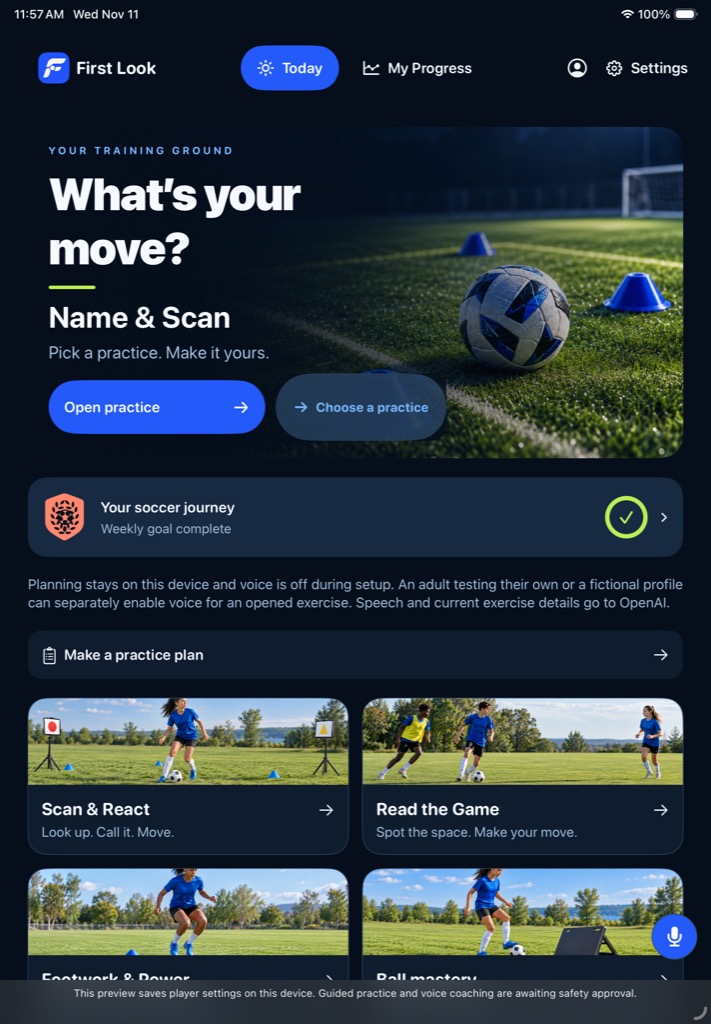
First Look app artwork: a player dribbles between two gates, with a cue on either side.
From the First Look drill libraryDribble + choose a gate
The touchline / A product preview

One rep with Scout.

Read Scout’s cue, spot the defender, then choose where you’d take the ball.

You ask Scout

“Explain this drill.”

You’ll need a ball, a start marker, a cone ahead of you and a gate on either side.

Scout’s cueDribble toward the cone. As you get close, look up. Which side is the defender closing? Take the ball through the open gate, then come back and try again.
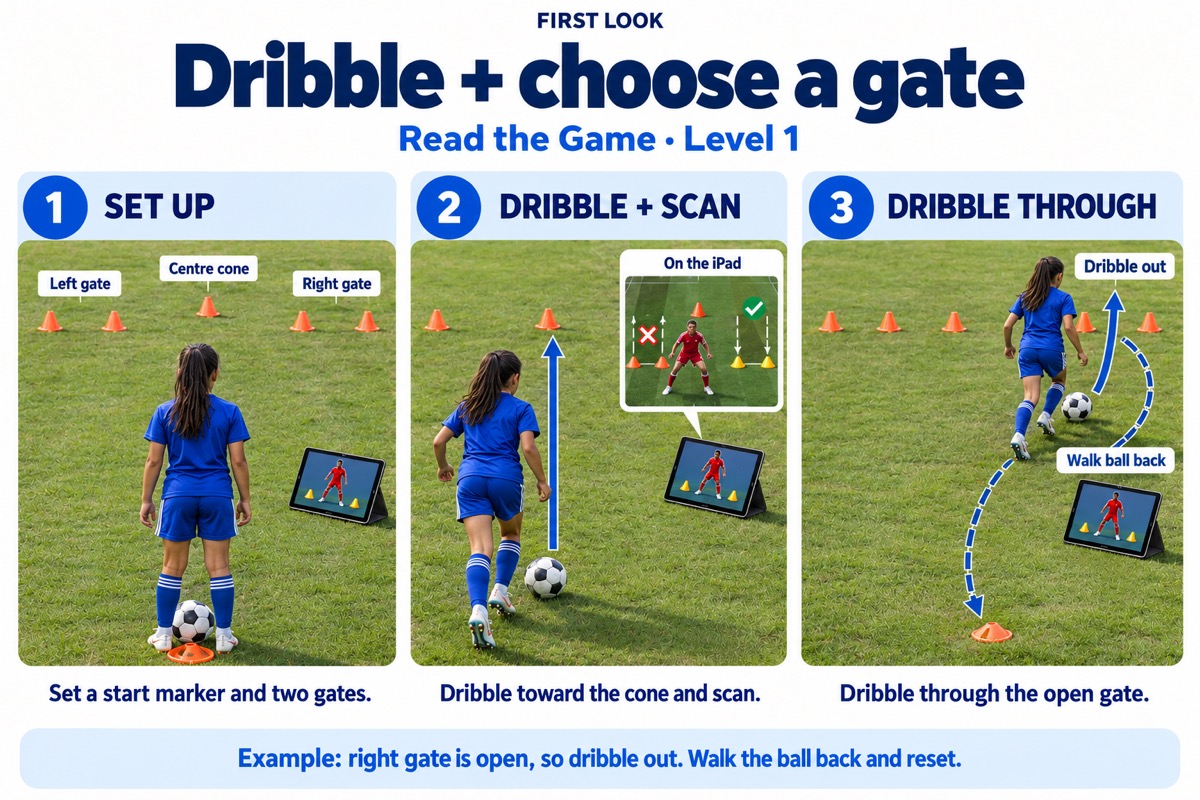
Three native teaching panels: set up a start marker and two gates, scan as you dribble, and take the ball through the open gate.
Teaching card from the app ·
For the one on the touchline

You can be their parent.
They can own the practice.

When your player says, “Coach told me to look up,” you don’t have to know which drill to pick. You can help set out the cones. They get to make the read.

What can I ask about afterward?

Try “When did you spot the open side?” It’s a question both of you can talk about, even if you never played soccer.

Why use voice in the app?

Scout can talk a player through the setup while they get into position. The screen still has a job: showing the cue they need to read. The player decides when practice starts.

Can our family use it today?

This page is a guided preview. It doesn’t open the private app or listen to your child. Public family voice access and pricing aren’t being offered here.

Closer look